




Small Retailer







What Space Analytics Covers
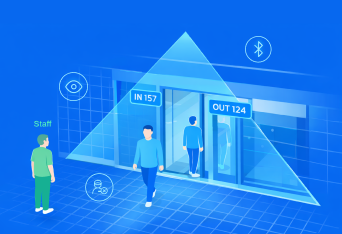
Space Analytics focuses on selected rooms and facilities, not every space across campus. It can be applied to:

Lecture Halls
Track session attendance, occupancy and capacity utilisation.

Tutorial Rooms
Understand demand, underuse and over-capacity sessions.

Laboratories
Monitor specialist space usage and equipment demand.

Libraries
Measure visits, study areas and exam period pressure.

Study Areas
Track occupancy and peak times in quiet and group spaces.

Washrooms
Supports demand-based cleaning and service planning.

Shared Facilities
Monitor student centres, sports areas and common spaces.
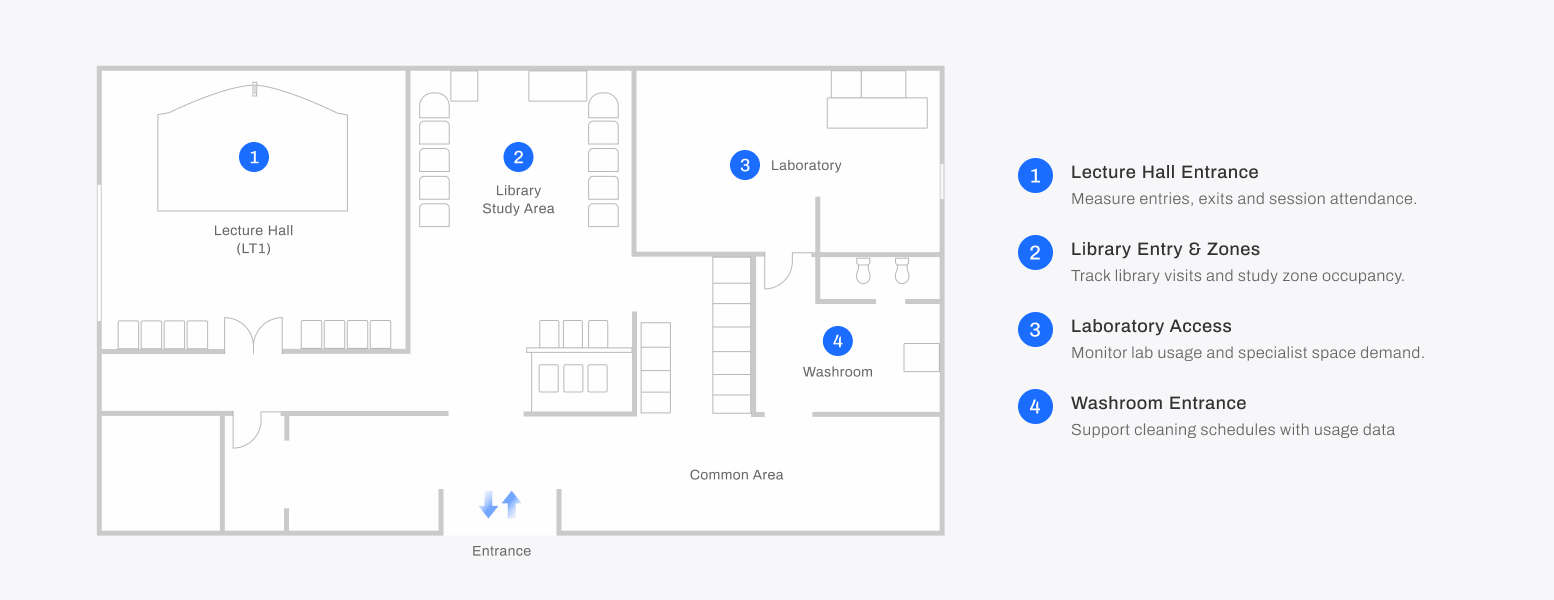
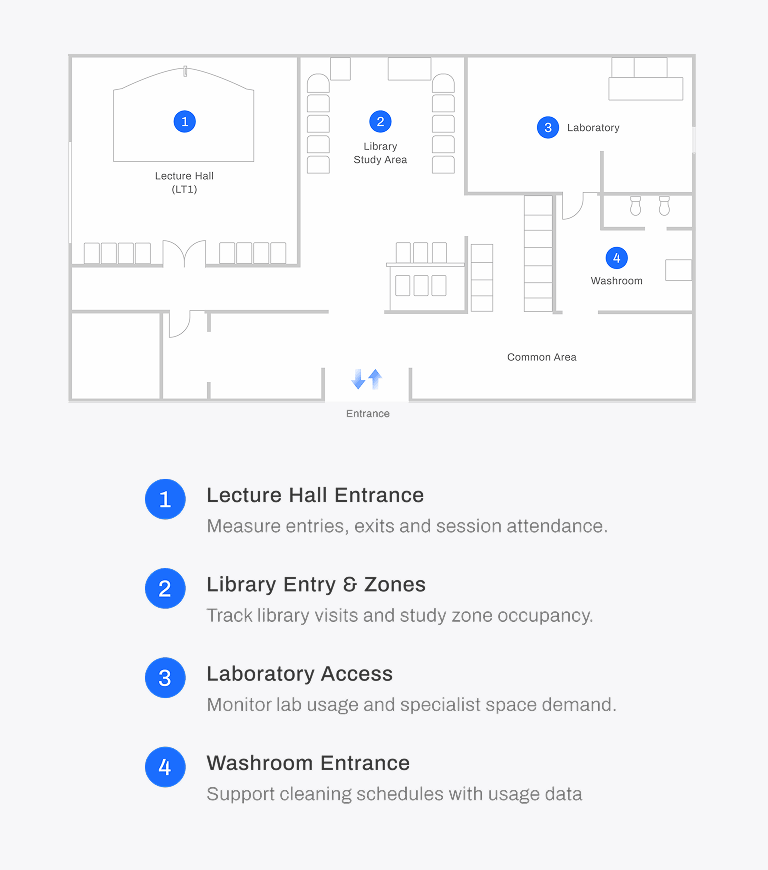
Deployment Scenario
Deploy the right FootfallCam products at the right locations.
From data to decisions
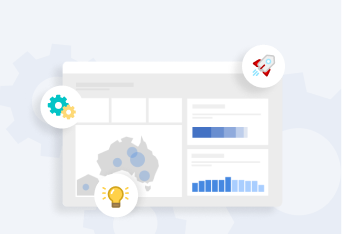
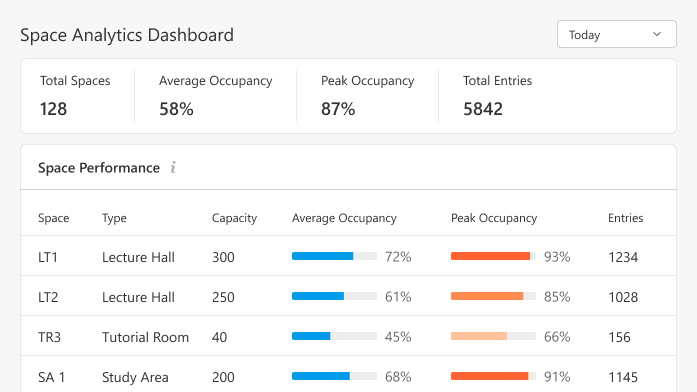
Turn counting data into actionable insights for timetabling, facilities management and academic planning.
Actual vs Schedules
Compare actual attendance with timetable data
Utilisation Review
Identify underused spaces and over-capacity sessions
Trend Analysis
Understand daily, weekly and term-time patterns
Forecast Demand
Plan ahead with historical trends and predictive insight
How It Works
Step 1
Select
Identify the rooms or facilities where detailed usage data is required.
Step 2
Measure
Install counters at entrances or suitable measurement points.
Step 3
Match
Where required, match occupancy data with timetable or facility schedules
Step 4
Analyse
Review usage by room, facility, session, day, week, month, or term.
Step 5
Report
Present the data through dashboards, exports, and scheduled reports.
Who Uses This

Timetabling Teams
Compare scheduled teaching activity with actual room usage.

Estates and Facilities
Review utilisation of selected rooms, facilities, and specialist spaces.

Library Managers
Monitor study space demand, peak periods, and exam-period pressure.

Campus Operations
Plan resources around actual facility usage and daily activity patterns.

Academic Planning Teams
Review teaching space demand, capacity alignment, and long-term usage trends.

Service Managers
Use facility usage data to support cleaning, maintenance, and service planning.
Measure what matters. Plan with Confidence
Space Analytics provides detailed occupancy insights for rooms and facilities, supporting teaching space review, library planning, laboratory utilisation, facility services, and shared space management through consistent, evidence-based usage data.


