


Small Retailer


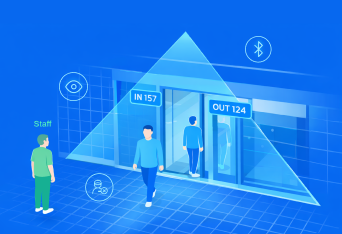


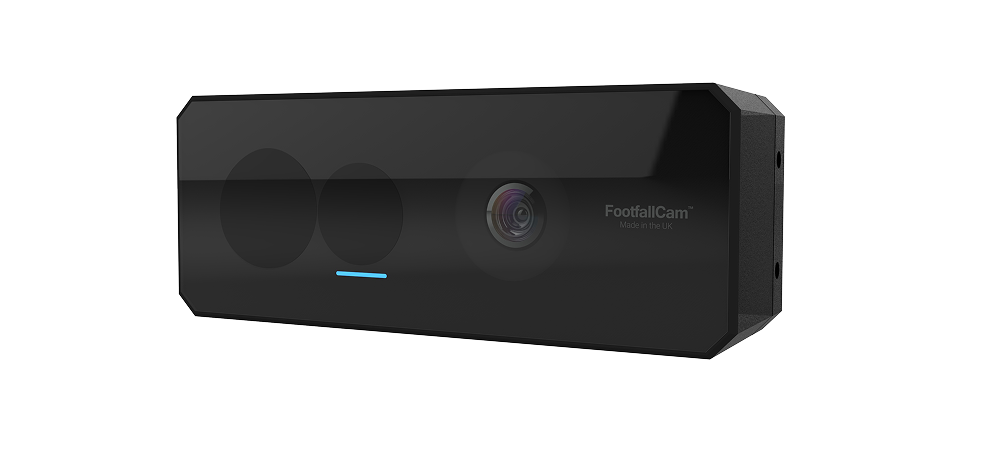
AI Vision Accuracy Up to 99.9%
Top-Down, Non-Occluded View
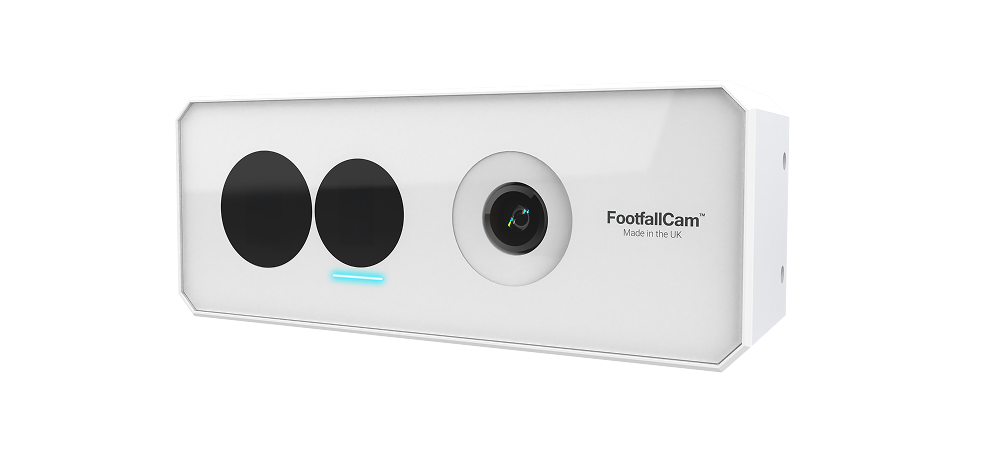
160° Fisheye Wide-Area Coverage
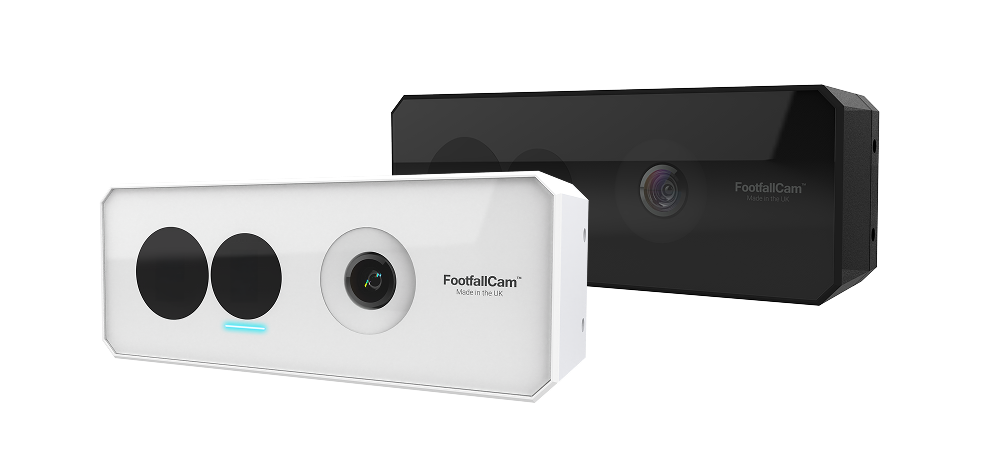
Fanless Aluminium Enclosure
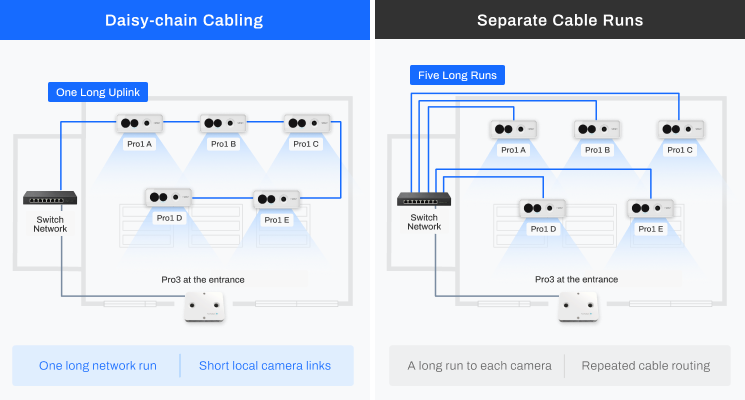
More coverage, less cabling with daisy-chain
Lower-cost Coverage Expansion Sensor for Pro3
One cable run. A connected group of Pro1 cameras.
Connect neighbouring Pro1 Fisheye cameras with short local links, reducing repeated cable runs back to the store network.
Less Cable to Route. Less Installation Work
In large stores, the route from the communications room to the shop floor can be a substantial part of the installation. A daisy-chain route lets a suitable group of Pro1 devices share one long network run.
- Reduce repeated back-office cable routes
- Link neighbouring camera positions locally
- Plan the installation around your store layout
Part of the same network: Pro3 connects separately to the store network and processes compatible Pro1 camera streams through that network.
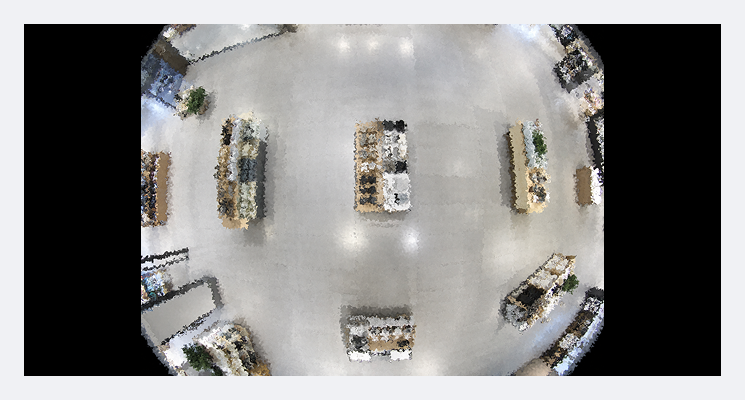
Measure More Floor Space From Each Camera Position.
Wide Overhead View: Pro1 Fisheye gives a broad overhead view of open departments, circulation areas and customer zones. A wider usable view can reduce the number of cameras required to measure an area.
Fewer camera positions can mean fewer mounting points, fewer cable routes and less equipment to maintain.
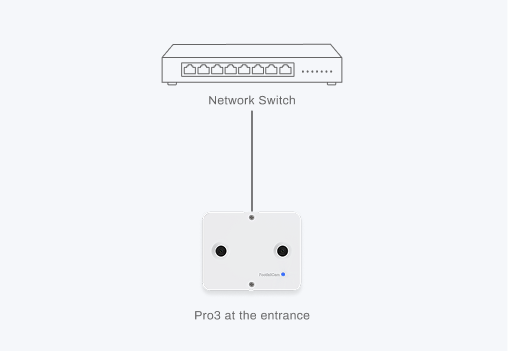
Keep your Pro3. Add the views your business needs.
An Economical Extension to Pro3: Extend an existing Pro3 entrance deployment with lower-cost Pro1 Fisheye cameras. Use compatible processing capacity to measure more areas without adding a primary processing device at every position.
01 Start at the entrance
Establish entrance counting with Pro3 and a clear view of store traffic.
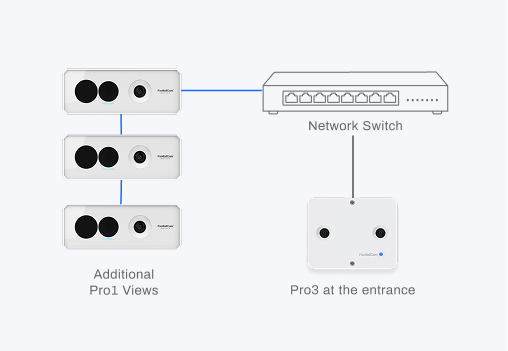
02 Extend into the store
Add Pro1 views of priority departments, service points and queue areas.
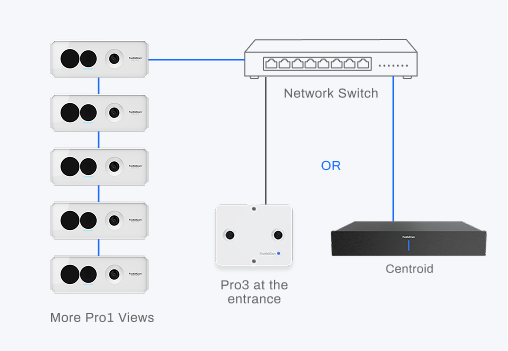
03 Scale when you need to
Add suitable processing as coverage grows, retaining useful installed equipment.
Reduce the cost of adding each measurement area.
Camera quantity, cable routes and processing all affect the cost of a deployment. We assess them together so you can see what your store actually needs.

Fewer Camera Positions
Use wide coverage to reduce the equipment and mounting work required for suitable areas.

Fewer Long Cable Runs
Group neighbouring Pro1 cameras to reduce repeated routes from the communications room.

Shared Processing
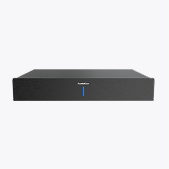
Use compatible Pro3 capacity before adding processing for the next stage of coverage.

Investment in Stages
Begin with priority areas and extend the installation as the business case develops.
A costed plan for your store.
Compare an initial deployment and a staged expansion using the same coverage plan.
Understand What Happens Beyond The Entrance
With suitable views and the relevant Pro3 or Centroid analytics, Pro1 Fisheye supplies coverage for area-level reporting.
Queue areas can also be included in the coverage plan. Specific outputs depend on the configured analytics, camera views and validation.

Department Traffic
Compare zone traffic to inform layout and merchandising decisions.

Dwell & Activity
Review dwell patterns and heatmaps around defined areas and displays.

Area Occupancy
Understand observed occupancy and density to support service planning.

Movement Between Zones
Use aggregate zone transitions to assess customer circulation.
A Practical Fit for Different Store Formats
Start with the business question, then select the camera positions and processing that support it.
01
Boutiques & Smaller Stores
Add selected interior views to a Pro3 entrance deployment, making use of compatible processing capacity.
02
Large-Format Retail
Plan camera groups across departments and circulation areas, with local links between suitable neighbouring positions.
03
Larger Camera Estates
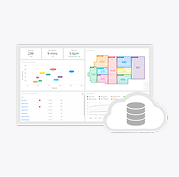
Use an appropriately sized Centroid configuration where the camera estate and analytics require additional processing.
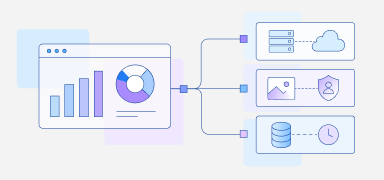
Understand The Data Behind Each Report.
Use aggregate area reports to understand store activity. Align data flows, access permissions and validation settings with approved site configurations.
Specifications
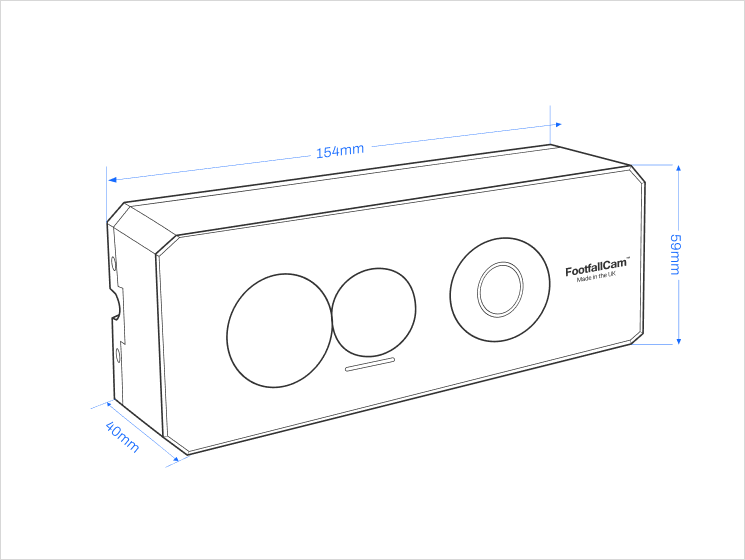
|
Device Dimension (mm) |
154 (W) x 59 (D) x 40 (H) |
|
Weight |
Device: 0.4 kg Packing: 0.86 kg |
|
Camera |
1x 5MP, 160°, 1/2.8" IMX335 CMOS Sensor |
|
Illumination |
Minimum 0.05 lux |
|
Frame Rate |
25 fps |
|
Indicator |
RGB LED status indicator |
|
Casing |
Made by Aluminium oxide alloy for dust resistance with 1mm tempered glass lens-covering. |
Related Products
Learn More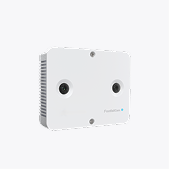
FAQs
Learn More