




Small Retailer











What Deployment Covers
Deployment defines where counters are installed, what areas are measured, how data is structured, and how usage reports are produced.
The objective is to create a practical measurement layer across campus without requiring every building, floor, or room to be instrumented from the beginning.
Start with One Building
Most universities start with a single building rather than a full campus rollout. By measuring activity at key entrances, they can understand daily usage, peak periods, occupancy patterns, and long-term trends, creating a proven model that can be expanded consistently across additional buildings.
Deployment Phases
Phase 1
One Building
Install counters at the main entrance. Establish baseline usage and reporting.
Phase 2
Key Spaces
Add selected teaching spaces, libraries, labs, washrooms or shared facilities.
Phase 3
Multi-Building View
Repeat the same model across buildings and compare usage consistently.
Phase 4
Campus Rollout
Consolidate data into dashboards and reports for campus-wide planning and operations.
Sample Deployment Scenarios
Building Baseline
Key Spaces
Campus Rollout
Building Baseline
Building Baseline
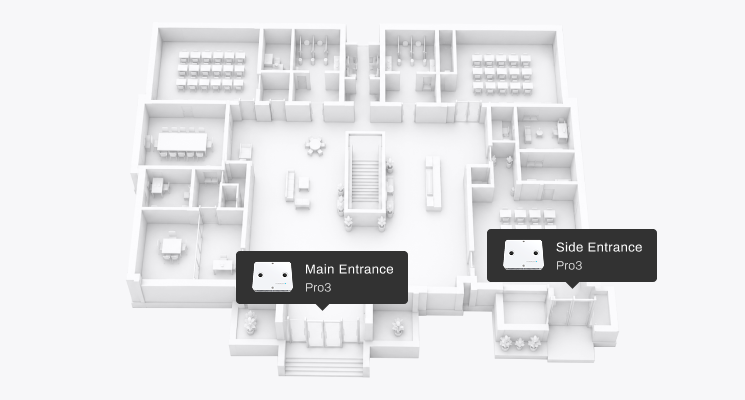
Start with one academic building. Install counters at the main and side entrance to establish daily footfall, peak arrival periods, and weekdays usage patterns. This is the lowest-friction deployment model and creates a reliable baseline before expanding to selected spaces or more buildings.
Key Spaces
Key Spaces
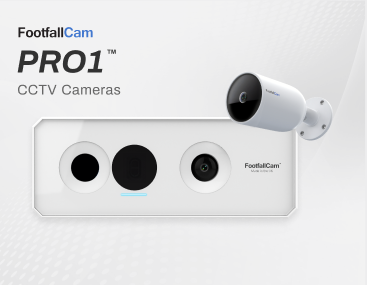
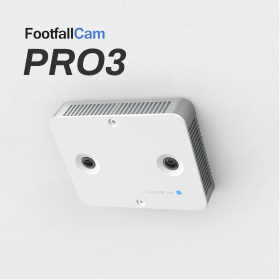
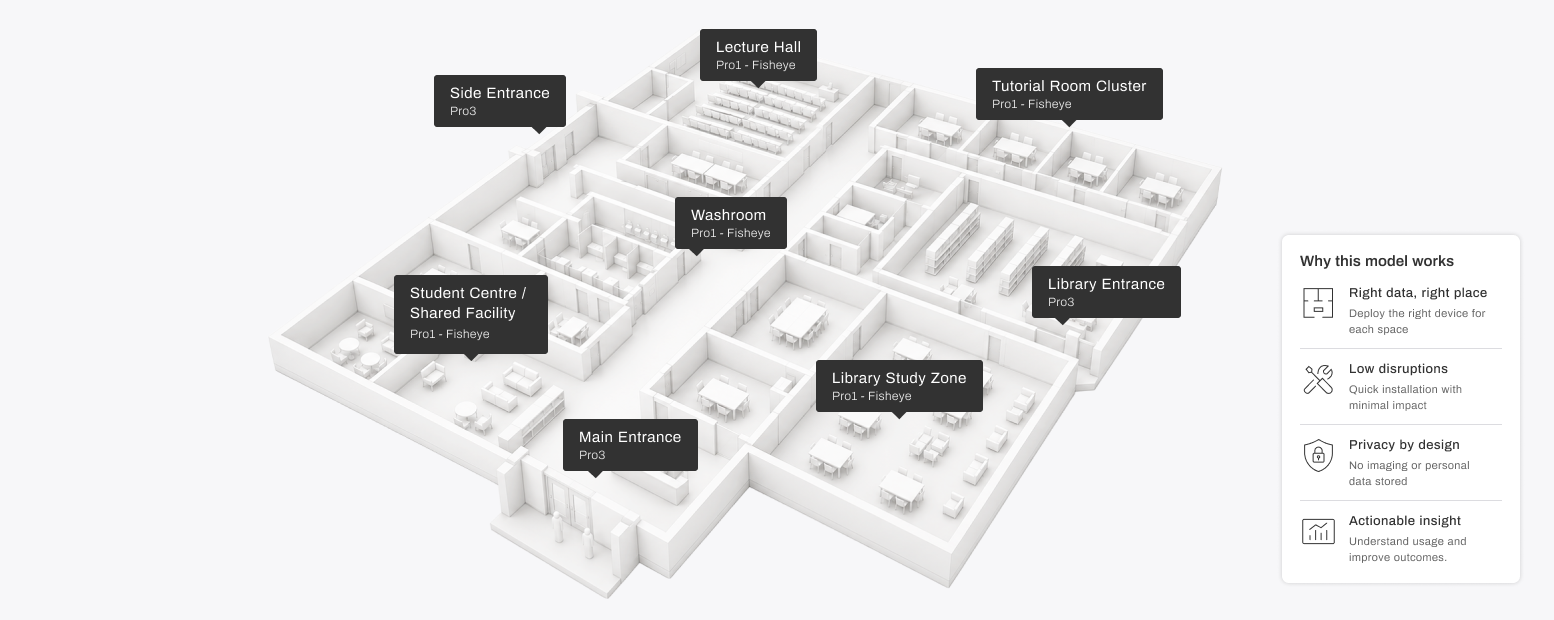
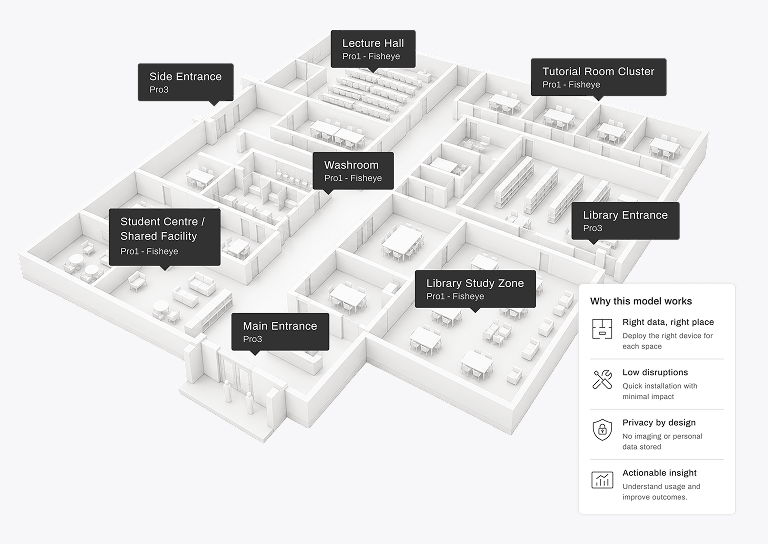
Add detailed measurement only where it supports a clear decision. Combine a Pro3 at the main entrance with Pro1 Fisheye counters at selected room entrances, including a lecture hall, a tutorial room cluster, a library study zone, and a washrooms. This model supports timetabling review, study-space planning, and usage-based service planning without instrumenting every room in the building.
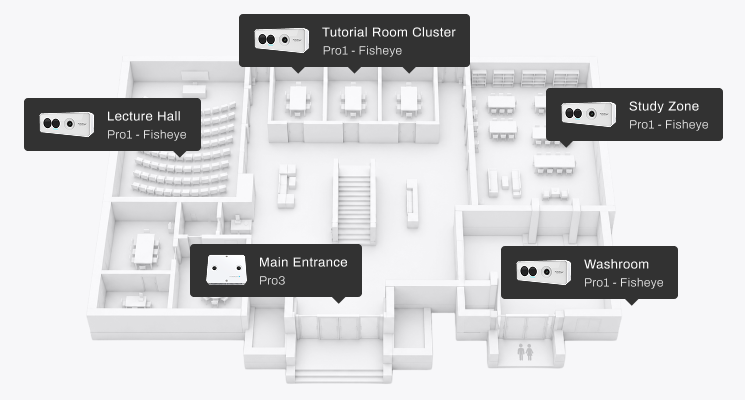
Campus Rollout
Campus Rollout
This scenario rolls out a repeatable model across a small set of priority buildings, combining Pro3 at main entrances with Pro 1 Fisheyes counters at selected spaces, then consolidating data into one campus dashboard for estates, operations, and management review.
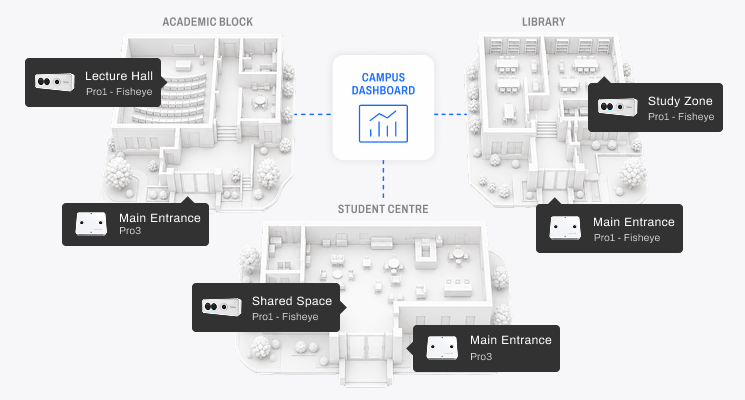
Site Assessment
A site assessment confirms the minimum device count required for reliable measurement.
It reviews:
Entrance layout
Door width
Ceiling height
Mounting position
Power availability
Network availability
Counting objective
Reporting requirement
The purpose is to define a deployment that is accurate, proportionate, and easy to maintain.
Installation Model
Installation is designed to be repeatable across buildings.
A typical installation includes:
- Device mounting
- Power and network connection
- Counting line configuration
- Area mapping
- Data verification
- Dashboard setup
- Initial report review
The same process can be used for a single building, a group of facilities, or a phased campus rollout.
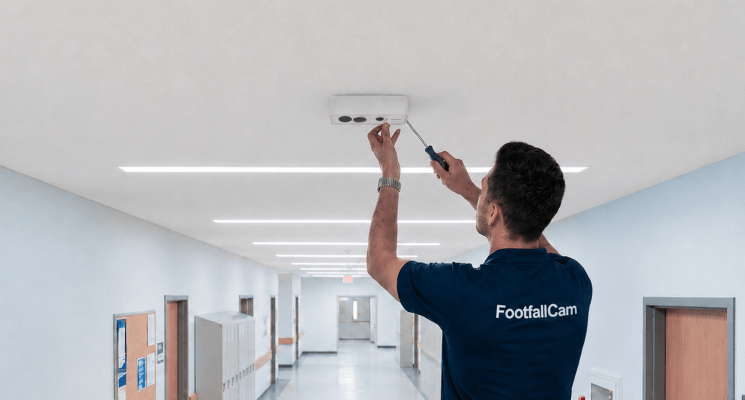
We Support You at Every Step
FootfallCam can be supported through regional partners, installers, and service teams.
Support may include:
Site survey
Installation
Device setup
Maintenance
Expansion planning
First-line support
This is important for universities with multiple buildings, phased rollout plans, or local support requirements.
Deployment Summary
FootfallCam deployment starts with key spaces, measures them consistently, and expands only where deeper insights are needed supporting phased investment, simple adoption, and reliable campus-wide reporting.


